Wayfinding Kiosk for Malls, Airports and Campuses
Help visitors find their way without a staffed desk. A large interactive directory replaces printed maps with searchable, up-to-date directions — on hardware EKINTRY builds factory-direct.
From US$100 — final price depends on your size, pixel pitch and finish. Contact us for an exact quote.
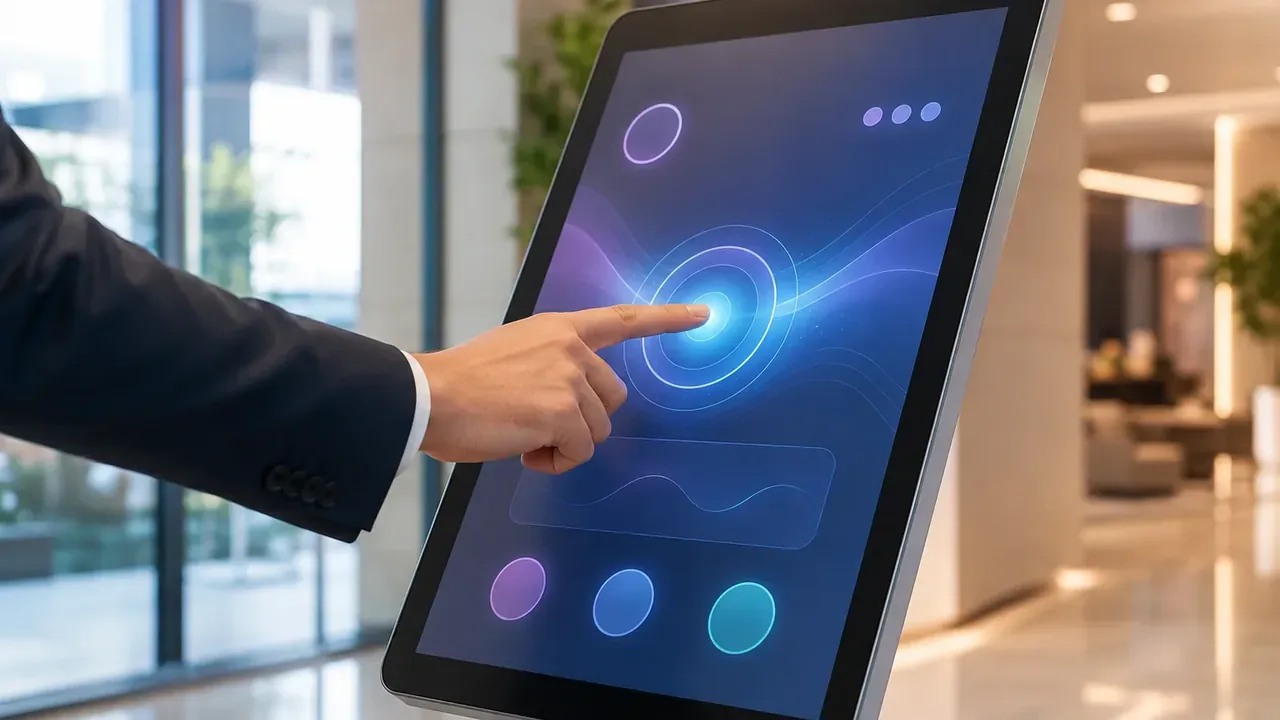
A wayfinding kiosk turns a building into something visitors can search. Instead of a printed board, a large touch screen shows an interactive map with turn-by-turn directions, a searchable directory and real-time information — and it updates instantly when a tenant or gate changes.
This page covers the wayfinding kiosk specifically: the large-format hardware that suits big, busy spaces. EKINTRY manufactures it factory-direct; your wayfinding software provides the maps.
Who custom screens are for
- Shopping malls and retail centres.
- Airports, stations and transit hubs.
- University and corporate campuses.
- Hospitals and large public buildings.
Why a wayfinding kiosk beats a printed map
In a large, changing venue the advantages compound:
- Searchable — visitors type a shop, gate or department and get directions.
- Always current — update tenants, events and closures instantly.
- Self-service — fewer questions at the information desk.
- Dual-use — show advertising or notices when idle.
The right hardware for big spaces
Wayfinding suits a larger, more visible format than a counter kiosk:
- Large 43″–55″+ portrait or landscape PCAP touch screens.
- Freestanding totem or wall-mounted, custom-branded enclosure.
- Bright panels that stay readable in daylit atriums and concourses.
- Android or Windows OPS to run your wayfinding platform.
Hardware and map software
The interactive map and directory are provided by your wayfinding software (your own or a specialist platform). EKINTRY builds the large-format touch hardware and enclosure it runs on, sized and bright enough for the space, and mounted where footfall flows.
Factory-direct across multiple sites
For estates with several entrances or buildings, EKINTRY supplies matching wayfinding kiosks factory-direct, with consistent branding, spares and remote setup support.
| Display | 43″–55″+ PCAP touch, portrait/landscape |
|---|---|
| Mount | Freestanding totem or wall, branded |
| Brightness | High-bright option for daylit atriums |
| Compute | Android · Windows OPS |
| Idle use | Advertising / notices when not in use |
Send us your project details
To recommend the right screen size, pixel pitch, cabinet type and shipping, please send us:
- Venue type and number of locations.
- Display size and portrait or landscape.
- Freestanding totem or wall-mount.
- Indoor daylit space (brightness)?
- Your wayfinding software / OS.
Frequently Asked Questions
What is a wayfinding kiosk?
A large interactive touch screen that shows a searchable map and directory with turn-by-turn directions, helping visitors navigate a large venue without a staffed desk.
Where are wayfinding kiosks used?
Malls, airports and transit hubs, university and corporate campuses, hospitals and other large public buildings.
What size screen is best?
Larger formats — typically 43″–55″ or bigger, often portrait — so maps are readable and visible across a busy concourse.
Do you provide the map software?
No — your wayfinding/map platform runs on the kiosk. EKINTRY builds the large-format touch hardware and enclosure it runs on.
Can it show ads when idle?
Yes — when no one is navigating, the screen can display advertising, notices or branding.
Can you match kiosks across several entrances?
Yes — we supply matching units factory-direct with consistent branding, spares and remote setup.