Self-Service Kiosk for Ordering, Checkout and Check-In
Let customers serve themselves — order, pay, check in — while your staff do higher-value work. EKINTRY builds the self-service kiosk hardware factory-direct, with the peripherals your workflow needs.
From US$100 — final price depends on your size, pixel pitch and finish. Contact us for an exact quote.
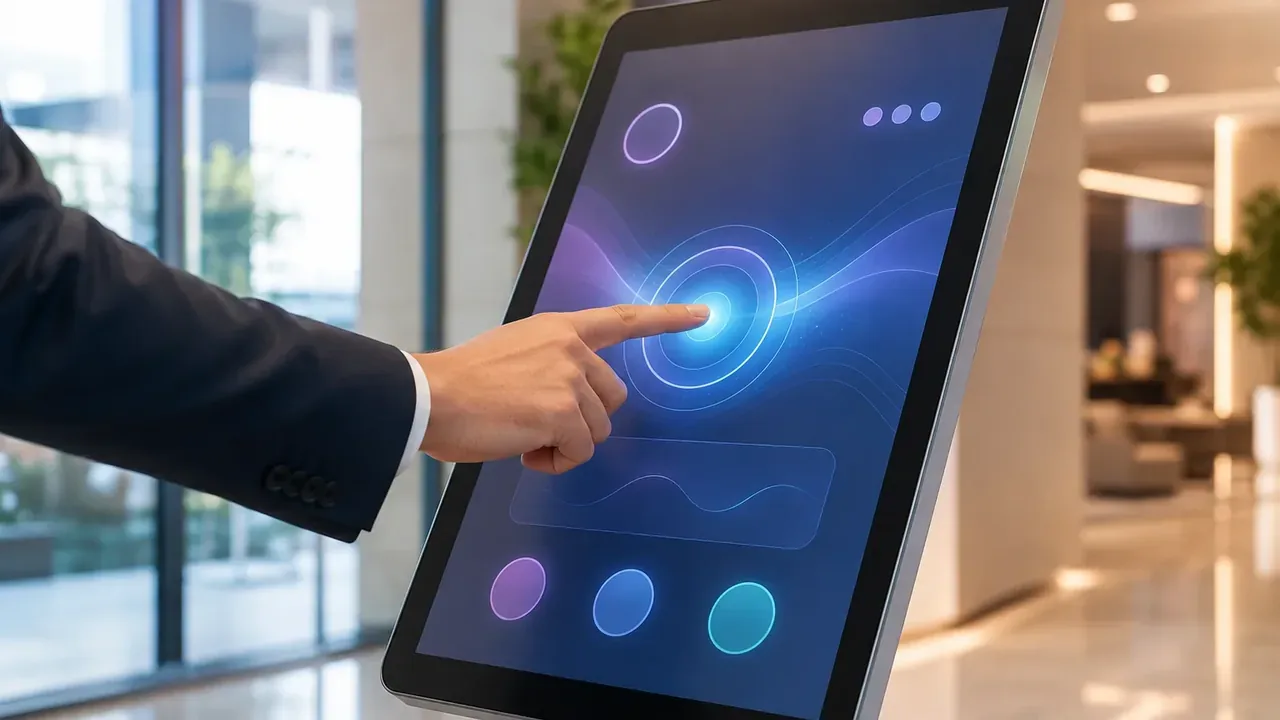
A self-service kiosk lets people complete a transaction on their own — ordering a meal, checking out, paying a bill, or checking in. For operators it cuts queues and labour and, in food service, typically lifts the average order value because the screen upsells consistently.
This page is about the transactional kiosk specifically: the hardware and peripherals that make self-service work. EKINTRY manufactures it factory-direct; your POS or ordering software runs on top.
Who custom screens are for
- Quick-service and casual restaurants (self-order).
- Retail and grocery (self-checkout).
- Hotels, clinics and gyms (check-in).
- Utilities and government (bill payment).
Why operators add self-service
The business case is consistent across sectors:
- Shorter queues and faster throughput at peak.
- Higher average transaction value from consistent on-screen upsell.
- Staff redeployed from the till to service and fulfilment.
- Fewer order errors — the customer confirms their own choices.
The peripherals that make it work
A transactional kiosk is more than a touch screen — it integrates the parts of the workflow:
- PCAP multi-touch display (typically 15″–32″ for ordering/checkout).
- Card reader / contactless payment terminal mount.
- Barcode/QR scanner for self-checkout and tickets.
- Receipt / ticket printer.
- Optional camera and speakers for ID, assistance or accessibility.
Built around your software
Your POS, ordering or check-in application is the brain; EKINTRY builds the body. We match the touch display, Android or Windows OPS, and the exact peripherals (reader, scanner, printer) so your software drops straight in. Enclosures are custom-branded, freestanding or counter-mount.
Factory-direct, rolled out at scale
EKINTRY supplies single units or fleet rollouts factory-direct, with consistent branding across sites, spares and remote setup support.
| Display | 15″–32″ PCAP touch (typical) |
|---|---|
| Payment | Card reader / contactless mount |
| Scanning | Barcode / QR scanner |
| Printing | Receipt / ticket printer |
| Form | Freestanding or counter, branded enclosure |
Send us your project details
To recommend the right screen size, pixel pitch, cabinet type and shipping, please send us:
- Use — ordering, checkout, check-in, payment.
- Display size and freestanding or counter.
- Peripherals — reader, scanner, printer.
- Your software / OS (Android or Windows).
- Quantity and delivery country.
Frequently Asked Questions
What is a self-service kiosk?
A kiosk that lets a customer complete a transaction themselves — ordering, self-checkout, payment or check-in — without staff at a counter.
Does self-service really increase sales?
In food service especially, self-order kiosks tend to raise the average order value because the screen offers add-ons and upsizes consistently to every customer.
Can it take card payments?
Yes — we mount and integrate a card reader / contactless terminal; payment processing is handled by your payment software and provider.
What peripherals can be added?
Card reader, barcode/QR scanner, receipt/ticket printer, camera and speakers — whatever the workflow needs.
Do you provide the ordering software?
No — your POS or ordering software runs on the kiosk. We build the hardware to fit it (touch, OS, peripherals, mounting).
Can you supply a whole fleet with our branding?
Yes — single units or fleet rollouts factory-direct, with consistent branded enclosures, spares and remote setup.