Conference Room Touch Screen for Boardrooms and Meetings
One all-in-one touch panel for presenting, annotating and video calls. EKINTRY supplies conference touch screens factory-direct, sized to your room.
From US$100 — final price depends on your size, pixel pitch and finish. Contact us for an exact quote.
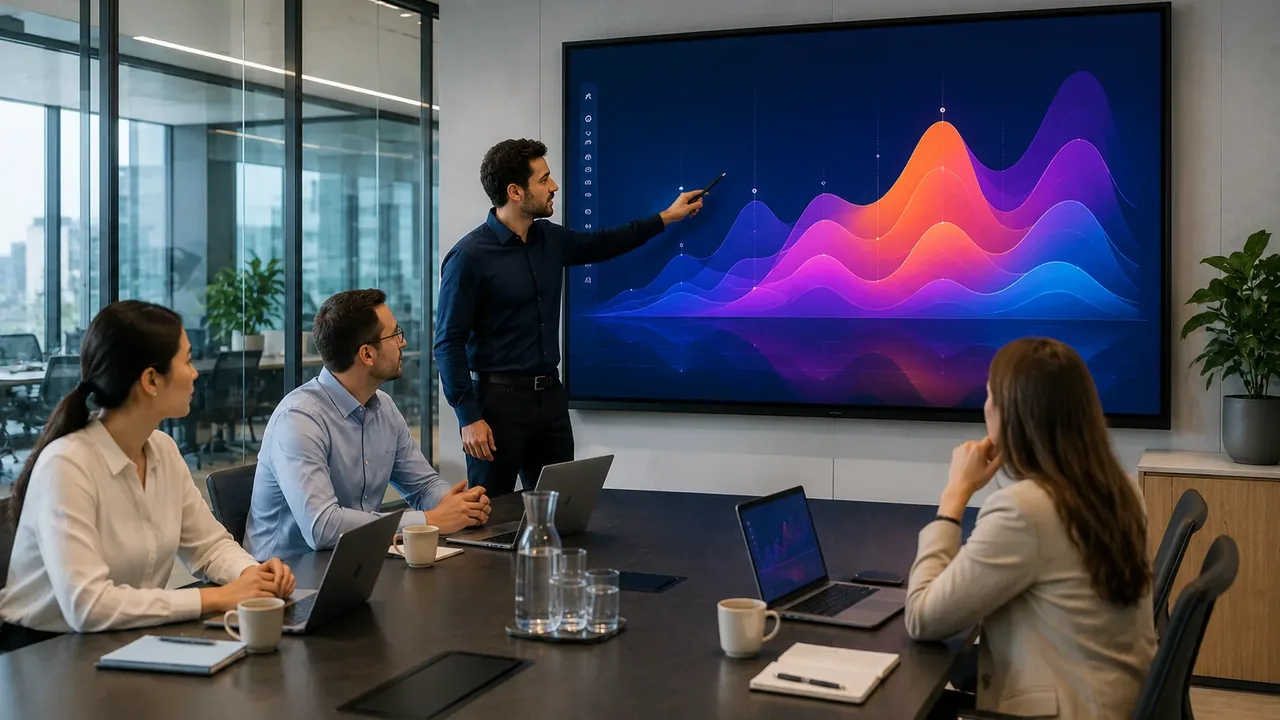
A conference room touch screen is an all-in-one interactive panel that replaces the projector, whiteboard and separate PC: you present, annotate, share wirelessly and run video calls from one screen. Compared with a projector it stays sharp in normal office light and needs far less maintenance.
This page covers the product — sizes, touch, the built-in system and conferencing — and how to choose for your room. For room-by-room advice see our meeting-rooms application page; to buy, EKINTRY quotes factory-direct.
Who custom screens are for
- Corporate boardrooms and meeting rooms.
- Huddle rooms and training spaces.
- Hybrid teams running Zoom and Teams calls.
- Office fit-out firms and AV integrators.
What an all-in-one conference panel does
One device, several jobs:
- Wireless screen sharing from laptops, tablets and phones.
- Touch annotation over any content, saved and shared after the meeting.
- Built-in video conferencing with Zoom, Microsoft Teams and others.
- A single screen — no projector, separate PC or trailing cables.
Best for — and when it is the wrong choice
An all-in-one panel suits most meeting rooms; a couple of exceptions:
- Right for: huddle to medium rooms (65–98″) needing presenting + calls + touch.
- Very large boardrooms or auditoriums → a seamless LED video wall reads better from the back.
- A room that only ever mirrors a laptop with no touch → a standard display is cheaper.
Sizes, system and connectivity
A 65–75″ panel suits most rooms; 86–98″ for larger ones. Panels run Android with an optional Windows OPS module, multi-point touch, and USB-C/HDMI for laptops and cameras. Add a camera and microphone for a complete video-call room.
How conference touch screens are priced
Priced per unit by size, touch technology, the built-in system and accessories (camera, mic, stand). Comparable interactive panels run roughly US$2,800–7,000 by size and features; we quote factory-direct, with better pricing on volume for multi-room rollouts.
Common mistakes to avoid
What to watch for:
- Sizing for the front row, not the back — the farthest viewer should read text comfortably.
- Forgetting the camera/mic, so the panel presents but cannot run good calls.
- Choosing a single panel for a large boardroom where a video wall fits better.
- Overlooking front-service access and mounting in the room design.
| Sizes | 65″ · 75″ · 86″ · 98″ |
|---|---|
| Touch | Multi-point (IR/PCAP) |
| System | Android + optional Windows OPS |
| Works with | Zoom, Microsoft Teams, USB-C/HDMI |
Send us your project details
To recommend the right screen size, pixel pitch, cabinet type and shipping, please send us:
- Room size and farthest viewer distance.
- Panel size(s) and number of rooms.
- Video platform (Zoom/Teams) and camera/mic needs.
- Android, Windows OPS, or both.
- Delivery country.
Frequently Asked Questions
What size conference room touch screen do I need?
A 65–75″ panel suits most meeting rooms; 86–98″ for larger ones. Size to the farthest viewer so everyone can read the screen.
Does it work with Zoom and Microsoft Teams?
Yes — conference touch screens integrate with Zoom, Teams and similar platforms, and you can add a camera and microphone for a full room.
Android or Windows?
Built-in Android, with an optional Windows OPS module if you need to run Windows software directly on the screen.
Is it better than a projector?
In a normal lit room, yes — a touch panel stays sharp without dimming the lights, adds touch and sharing, and needs far less maintenance than a projector.
Panel or LED video wall for the boardroom?
For most rooms a 65–98″ panel is ideal; for large boardrooms or auditoriums a seamless LED video wall reads better from the back. See our interactive displays hub.
Can you equip several rooms at once?
Yes — we quote multi-room rollouts factory-direct with consistent spec and spares.