Deploying Interactive Displays Across a School: Rollout Planning
Equipping a whole school is a procurement project, not a single purchase. Volume pricing, phased delivery, IT network setup and teacher training — EKINTRY plans the rollout and quotes it factory-direct.
From US$100 — final price depends on your size, pixel pitch and finish. Contact us for an exact quote.
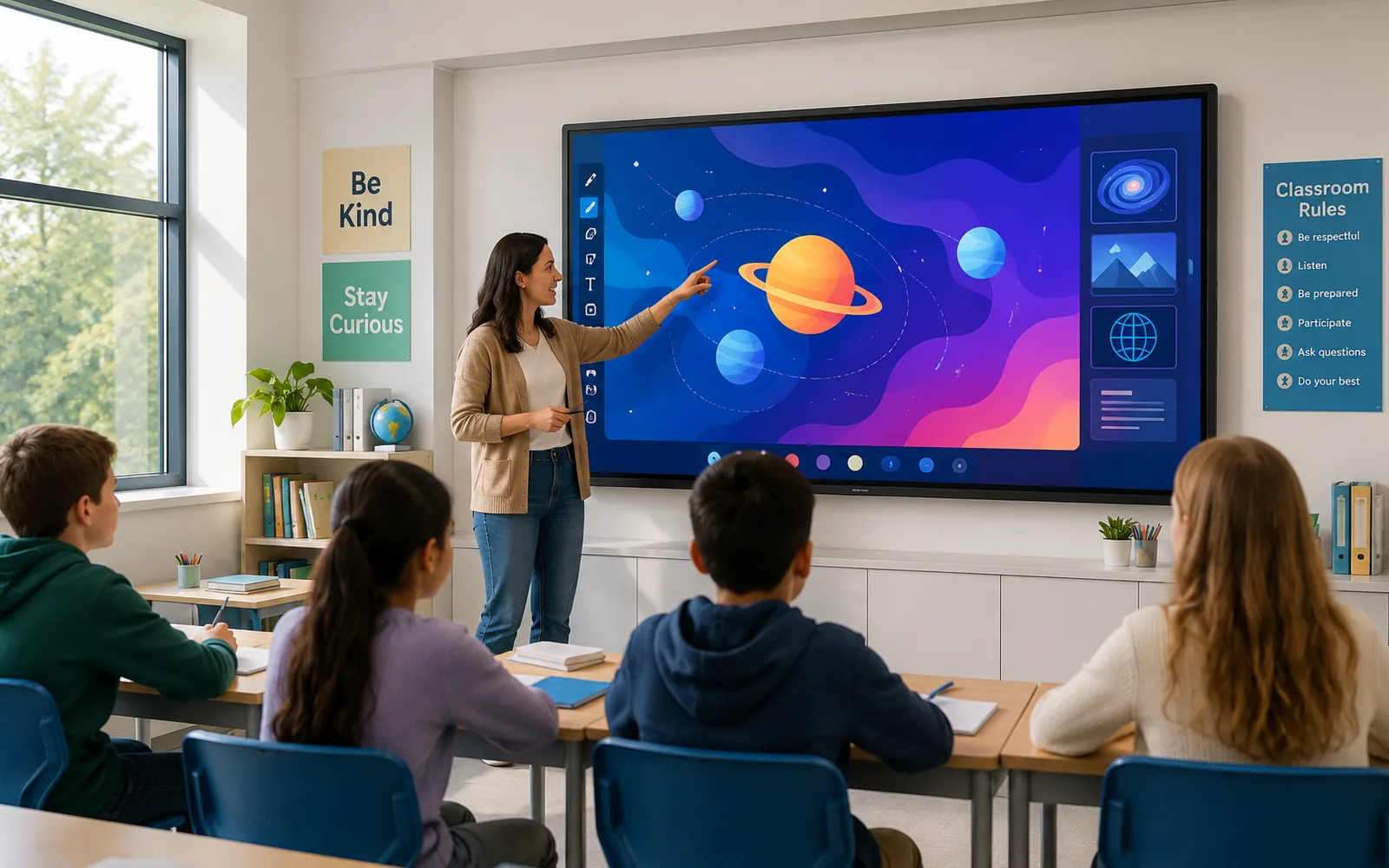
Replacing whiteboards and projectors across a school is a project — not just a bulk order. IT needs to confirm the network can handle simultaneous wireless casting. Teachers need training before the first day of term. Delivery needs to align with the installation schedule. And the procurement team needs volume pricing that justifies the board sign-off.
EKINTRY supplies interactive displays for whole-school rollouts factory-direct — with volume pricing by room count, phased delivery to match your installation schedule, and documentation your IT team can work from. Prices start below US$1,200 per panel at volume; 86″ units from US$2,800. Send the room count and size mix for a school quote.
Who custom screens are for
- School IT directors and technical coordinators managing a rollout.
- Principals and heads of department approving a whole-school upgrade.
- District procurement teams buying across multiple schools.
- AV integrators and education resellers quoting school projects.
Volume pricing — what changes at scale
A single-room purchase and a 30-classroom order are priced very differently. Volume pricing kicks in at quantity, and factory-direct supply removes distributor margin — so school budgets go further than retail quotes suggest.
- Volume tiers typically start at 5 units — price per unit drops with quantity.
- Mixed-size orders (65″ + 75″ + 86″) quoted as one project, not separately.
- Consistent spec across all rooms — same model, same software, same spares.
- Send the room count and size mix for a factory-direct volume quote.
Phased rollout — delivering to your installation schedule
Large rollouts rarely happen in one day. Phased delivery means the installation team is not overwhelmed, existing lessons are not disrupted, and budget can be spread across terms or financial years.
- Phase by building block, year group or budget period.
- Consistent model supply maintained across all phases.
- Delivery timed to match room availability and installation slots.
- IT team tests Phase 1 before Phase 2 ships.
IT and network requirements
Interactive displays require network access for wireless casting, software updates and remote management. A 30-room school with simultaneous wireless casting needs adequate bandwidth and a managed Wi-Fi setup — we advise what the network needs to handle before hardware arrives.
- Each panel needs a wired or Wi-Fi connection for casting and updates.
- MDM (Mobile Device Management) compatible — enrol panels into your existing MDM.
- Android panels can be managed via MDM for app control and remote wipe.
- Advise your IT team on bandwidth and access point placement before install.
Teacher adoption — making the rollout stick
Hardware that does not get used is wasted spend. Teacher adoption depends on the panel being fast to start, intuitive for writing and annotation, and compatible with the tools teachers already use. We supply panels with pre-configured education software and can provide setup documentation for IT.
- Pre-configured with Google Classroom, Teams or Zoom — ready on day one.
- Consistent interface across all rooms — one teacher training session covers the school.
- Quick-start guide and IT setup documentation included.
- Remote troubleshooting support after delivery.
What to include in your rollout request
The more detail you give us, the more accurate the quote. Ideal rollout request: room count, screen sizes needed, mounting preference, any IT or MDM requirements, phasing preference and delivery country.
| Panel sizes | 55″ · 65″ · 75″ · 86″ — mix in one order |
|---|---|
| Volume pricing | Tiered by quantity — drops from 5 units |
| Phased delivery | Timed to your installation schedule |
| MDM support | Android panels enrolable in your MDM |
| Software | Google Classroom, Teams, Zoom pre-configured |
| Documentation | IT setup guide, teacher quick-start included |
| Quantity | 65″ per unit | 75″ per unit | 86″ per unit |
|---|---|---|---|
| 1–4 units | From US$1,500 | From US$2,000 | From US$3,000 |
| 5–19 units | From US$1,300 | From US$1,700 | From US$2,600 |
| 20–49 units | From US$1,100 | From US$1,450 | From US$2,200 |
| 50+ units | Contact for quote | Contact for quote | Contact for quote |
| Stage | Key action | Who is responsible |
|---|---|---|
| Planning | Room count, size mix, phasing | IT director / procurement |
| Network audit | Wi-Fi coverage and bandwidth check | IT coordinator |
| Phase 1 delivery | Pilot rooms, test and sign off | IT + selected teachers |
| Phase 2–N delivery | Remaining rooms, timed to schedule | IT + installation team |
| Training | Teacher walkthrough, quick-start guides | IT / supplier support |
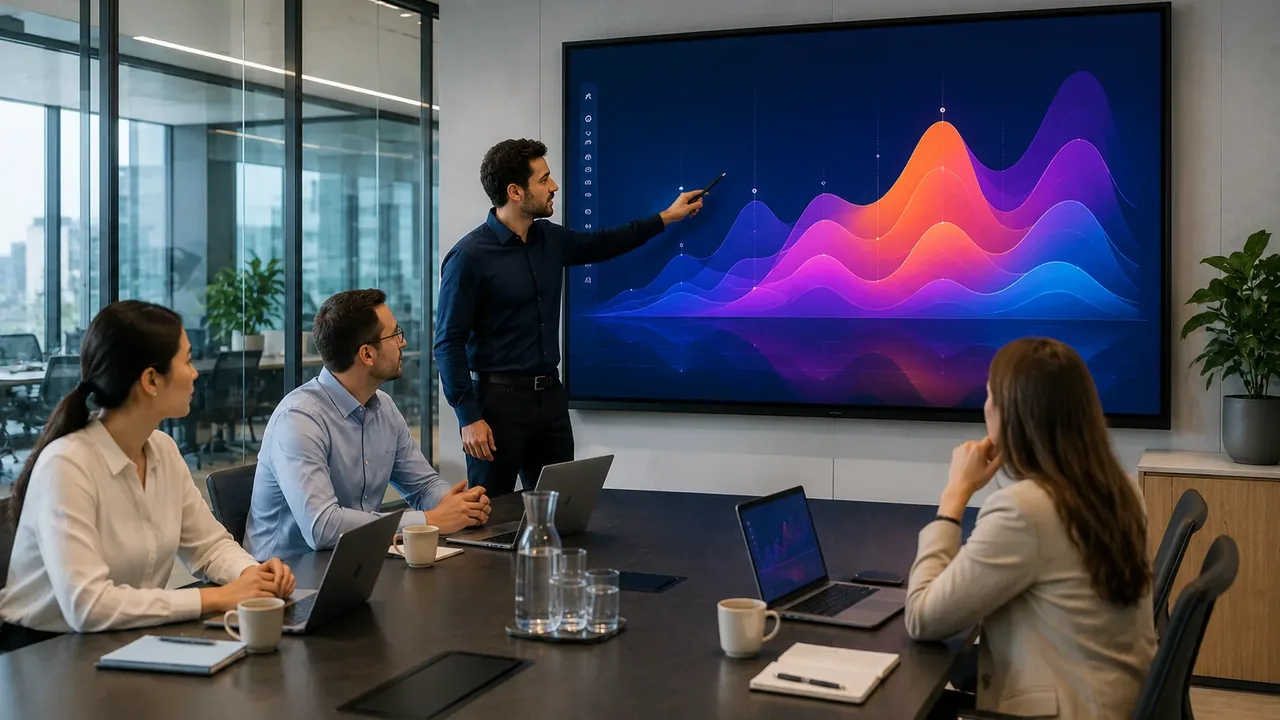
Installation photos

Send us your project details
To recommend the right screen size, pixel pitch, cabinet type and shipping, please send us:
- Total room count and screen size(s) needed.
- Phasing — all at once or in stages?
- Wall mount, ceiling mount or mobile stand.
- MDM or remote management needed?
- Installation support needed or self-install?
- Delivery country and target start date.
Frequently Asked Questions
How many units do we need to qualify for volume pricing?
Volume pricing starts from 5 units — price per unit drops as quantity increases. Orders of 20+ and 50+ get the best rates. Send the room count and size mix for an exact quote.
Can we phase the delivery across two budget years?
Yes — we hold the same model in stock and deliver each phase when you are ready. Phase 1 tests the setup; Phase 2 scales it.
What does the IT team need to prepare before delivery?
Confirm Wi-Fi coverage and bandwidth for simultaneous wireless casting across all rooms. Panels need a network connection for casting, updates and MDM enrolment. We provide a pre-delivery IT checklist.
Can the panels be enrolled into our MDM system?
Yes — Android panels support MDM enrolment for app control, policy enforcement and remote management. We confirm compatibility with your MDM before shipment.
Do you supply to district-level or multi-school orders?
Yes — district rollouts are quoted as one project with volume pricing applied across the full order, regardless of how many sites it covers.
Is teacher training included?
We supply setup documentation and a teacher quick-start guide. For formal training, we advise using your IT team or a local AV integrator — the consistent interface across all panels means one session covers the school.